Objective and first actions
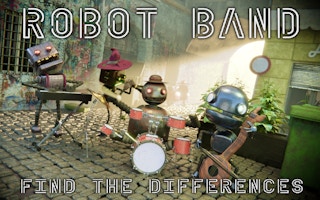
Compare robot-themed pictures and identify differences. The main challenge is systematic observation: large objects draw attention while small changes in their details can remain unnoticed.
Open the game and read its control panel before the first round. The provider feed does not specify exact key bindings for this title; use the on-screen input prompts for your device. The embedded game is supplied by GamePix.
A plan for your first session
Divide the pictures into corresponding zones and compare one zone at a time. Follow object outlines first, then examine interior marks, colors and missing parts before moving to the next zone.
A mistake to watch for
Scanning the entire image repeatedly tends to revisit the most noticeable objects. If you get stuck, change the inspection method from whole objects to edges and small repeated details.
Try this practice exercise
Compare the upper-left areas first, then move across in rows. After a full pass, revisit only zones where your comparison was rushed.
What should I do when only one difference remains?
Slow down and compare corresponding details individually. Check borders, small accessories and repeated shapes rather than randomly clicking the whole scene.
Playing in your browser
The provider lists a landscape layout at 800 × 600. Actual fit and controls depend on the device. Game audio, progress and in-game features are managed by the embedded game. If it stalls, use our loading checklist; before clearing data, read about saved progress.