Objective and first actions
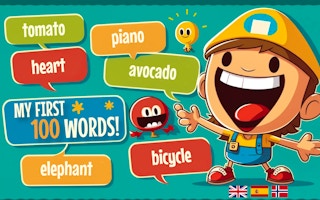
Pair pictured objects with spoken words across the game's available languages. The activity centers on recognizing emoji-like images and listening to pronunciation, rather than reading a long vocabulary list.
Open the game and read its control panel before the first round. The provider feed does not specify exact key bindings for this title; use the on-screen input prompts for your device. The embedded game is supplied by GamePix.
A plan for your first session
Choose one language for a session and repeat each new word after the audio. Then look away from the image and see whether the sound still brings the object to mind. Keep the first session focused on a small group of words.
A mistake to watch for
Switching languages after every answer can make it hard to connect a sound with one consistent meaning. Compare languages after you recognize the same objects reliably in the first one.
Try this practice exercise
Pick three objects from a round. At the end, say their names without the pictures, then return to the game to check pronunciation.
What if the game has no sound?
Start the game with a deliberate click or tap, check its sound setting and the browser tab's mute setting. Listening is central to this activity, so resolve audio before judging an answer by the picture alone.
Playing in your browser
The provider lists a portrait layout at 600 × 800. Actual fit and controls depend on the device. Game audio, progress and in-game features are managed by the embedded game. If it stalls, use our loading checklist; before clearing data, read about saved progress.